
-

-
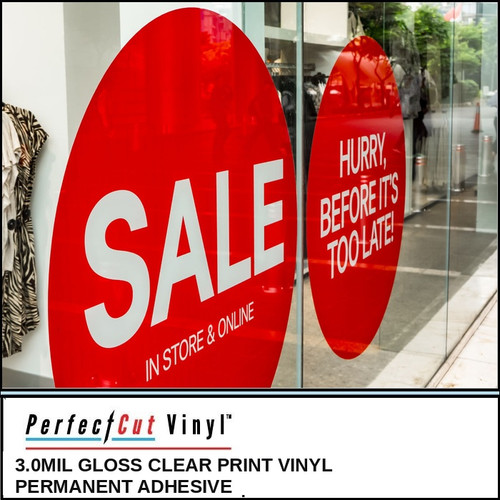
PerfectCut
3 mil Gloss Clear Printable Vinyl, Permanent Adhesive - Clear Sticker Rolls
$49.95 - $197.95 -
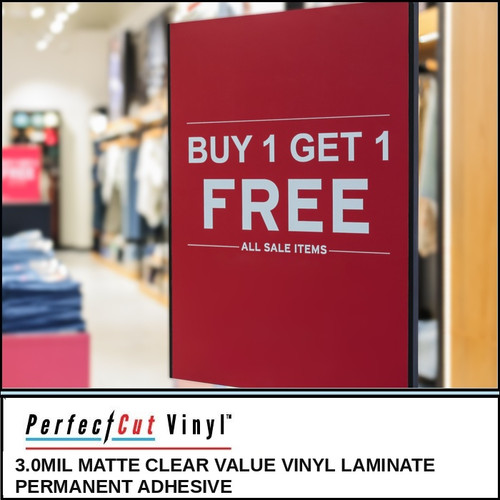
PerfectCut
3 mil Matte Clear Overlaminate, Permanent Adhesive - Sticker & Decal Laminate Rolls
$44.95 - $197.95 -
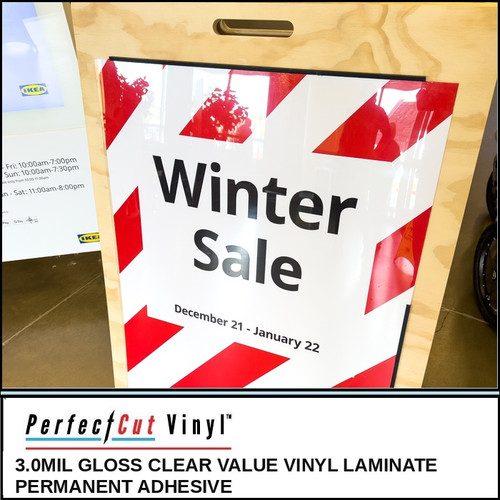
PerfectCut
3 mil Gloss Clear Overlaminate, Permanent Adhesive - Sticker & Decal Laminate Rolls
$44.95 - $197.95 -
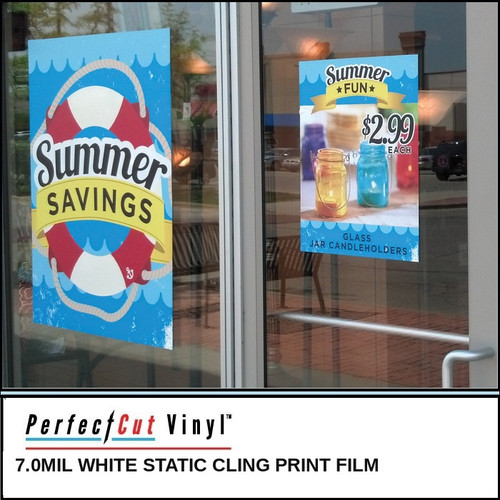
-
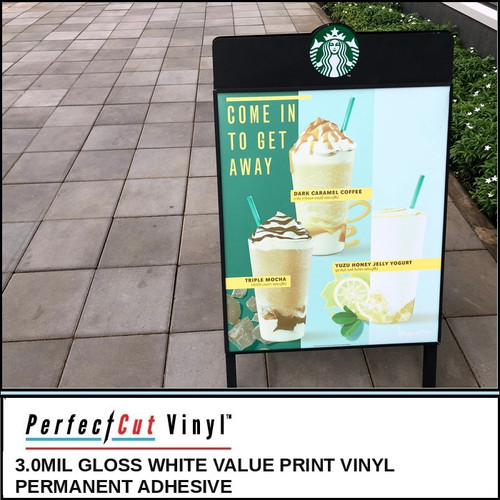
PerfectCut
3 mil Gloss White Printable Vinyl, Permanent Adhesive - Sticker & Decal Rolls
$49.95 - $197.95 -

PerfectCut
6 mil Sparkle Glitter Holographic Printable Vinyl, Permanent Adhesive - Glitter Sticker Rolls
$74.95 - $689.95 -
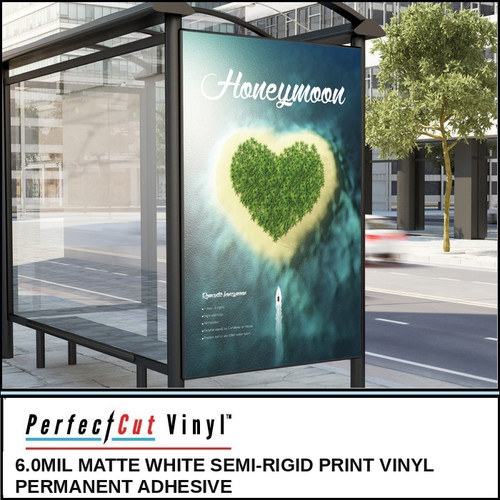
PerfectCut
6 mil Matte White Semi-Rigid Printable Vinyl, Permanent Adhesive - Thick Sticker Rolls
$79.95 - $346.95 -

PerfectCut
3 mil Matte White Printable Vinyl, Permanent Adhesive - Sticker & Decal Rolls
$49.95 - $197.95 -

PerfectCut
6 mil Gloss White Semi-Rigid Printable Vinyl, Permanent Adhesive - Thick Sticker Rolls
$79.95 - $275.95 -

PerfectCut
6 mil Rainbow Holographic Printable Vinyl, Permanent Adhesive - Holo Sticker Rolls
$74.95 - $689.95
Roland BN-20 Media
Everything here comes in 15" and 20" rolls for the Roland VersaSTUDIO BN-20, BN-20A and BN2-20. Full 150 ft rolls load fine.
What to run
| Job | Film |
|---|---|
| Most stickers | 6 mil Gloss White. Easy weed, easy peel. |
| Cheap, high-volume runs | 3 mil Gloss White |
| Labels | 3 mil Matte White |
| Clear stickers | 3 mil Gloss Clear with white ink underneath |
| Holo stickers | Rainbow or Glitter Holographic |
| Window clings | White or Clear Static Cling |
| Laminate | Gloss or Matte |
BN-20 tips
Load the roll straight and check tension before you print. The feed path is narrow and a roll that starts crooked stays crooked. Test cut a small section on any new film. For holographic, put white or yellow behind the crop marks so the eye can read them. Give prints time to dry before laminating.
Frequently asked questions
Will a 150 ft roll fit?
Yes. 20" x 150 ft rolls load and run fine on BN-20 class printers.
What core size?
3".
Best sticker film for a BN-20?
6 mil gloss white for premium stickers. 3 mil gloss white when price matters most.
Can the BN-20 do white on clear?
Yes, if your BN-20 has white ink. Print white under the design.